Stellar Affinity EROLABS Account Bind & Sync
Protect launch mail, login pulls, and CBT returns by binding before you invest.
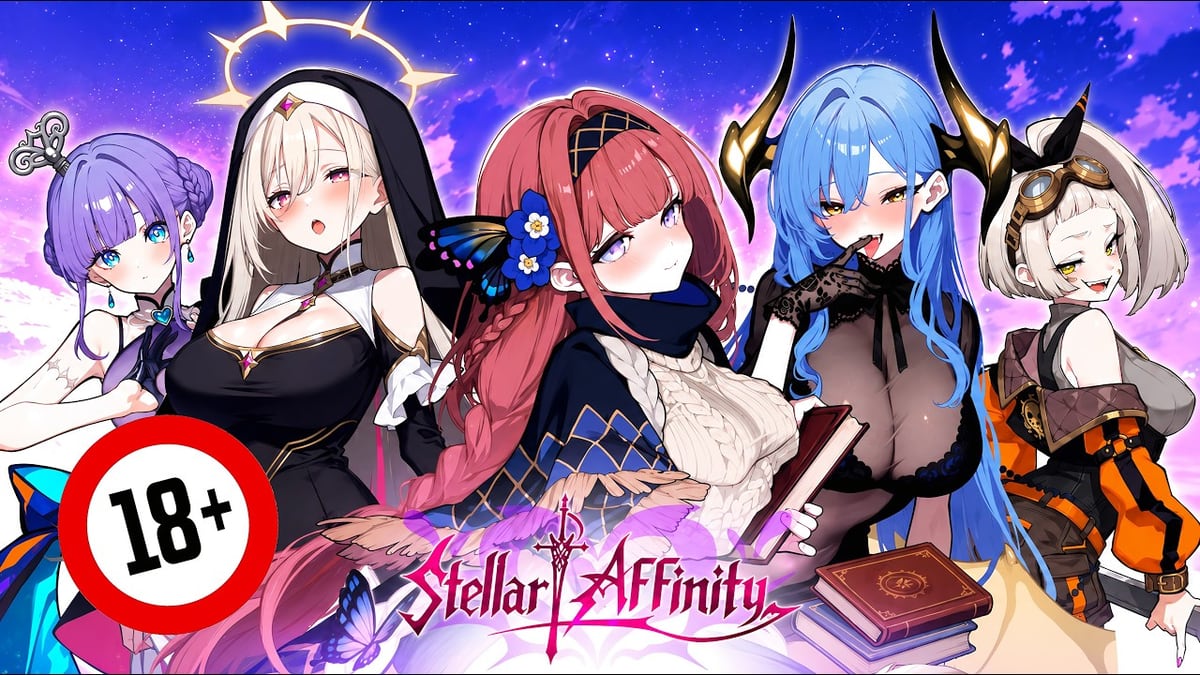
Most “I lost everything” reports after the 29 July 2026 Stellar Affinity launch are account problems, not combat bugs. This page covers EROLABS binding, cross-device sync, the Android package id used on emulator listings, and update traps that look like soft bans.
Pair with download & PC for install steps and launch rewards so you know which mail depends on the same account.
Bind before you spend
- Create an EROLABS login you control (email you can still open in a year).
- Inside Stellar Affinity, complete the platform bind / link flow before heavy summons.
- Screenshot the in-game id / invite fields support may ask for later.
- Only then dump active codes, carnival progress, or premium packs.
Guest or device-local sessions can evaporate when you clear cache, swap phones, or rebuild an emulator instance.
Android package and PC listings
Partner emulator pages (including LDPlayer) list the Android application id com.himefun.stellaraffinity.erolabs for 성간의 유대 / Stellar Affinity. Use that string to:
- Confirm you installed the EROLABS build, not a similarly named fan APK.
- Search inside emulator stores when localized titles differ (성간의 유대, 星慾姬絆, Stellar Affinity).
- Avoid “helper” APK sites that remix the name.
Syncing phone and PC
LDPlayer-style FAQ guidance matches how Android containers work: you are still on an Android client. Bind the EROLABS account, then:
- Phone ↔ Android emulator sync is the expected path.
- iOS ↔ Android may not share progress even with the same email — verify in-client before you buy on the “wrong” OS.
- Multi-instance emulators are fine for reroll sandboxes; put real money only on the bound main.
CBT return and mail safety
Elite wipe-CBT spenders were promised 200% star-diamond (星鑽) value in mail on the same account after open service. If you rebound to a new email, support will treat you as a new captain. Keep:
- Payment receipts from CBT week (1–9 July 2026 window historically).
- Screenshots of unclaimed mail.
- The device/emulator profile that first saw the return.
Server-wide ~5000 star fragments (碎星) and login-pull campaigns also key off the live account — reclaim confusion usually means you logged the wrong profile.
Update stuck on uninstall
Community notes after launch describe storefronts showing uninstall instead of update. Typical order:
- Confirm bind is done.
- Use a temporary VPN only if your store region cannot see the update metadata.
- Trigger update, then disable VPN for bullet-hell latency.
- Reinstall only as last resort — and only after you know which rewards were already claimed.
Details and performance tips live in download & PC.
Security checklist
- Unique password for EROLABS; do not reuse your main Google password on shared PCs.
- Separate emulator profiles for adult CG privacy.
- Never share account credentials for “free carry leveling” services.
- After any password change, re-test login on phone and PC the same day.
Related reading
Binding is a five-minute task that protects weeks of bond and banner investment. Do it before the next multi-pull.
Reporting bugs with the right identity
When you file a ticket, include: EROLABS email (redacted middle), in-game captain id, client version from settings, device or emulator name, and the Android package string com.himefun.stellaraffinity.erolabs if you are on Android or LDPlayer. Missing those fields is why “I lost CBT mail” reports stall for days.
After any forced update, log in once on the main profile before opening multi-instance sandboxes. Confirm launch rewards mail state and login streak continuity, then continue the daily routine. Binding is the spine of later spend decisions in gacha & summon and the f2p plan.
Frequently Asked Questions
Quick answers to the most common questions.
Can I change the bound email later?
EROLABS policies are strict once verification completes. Bind a long-term mailbox from day one.
Does LDPlayer create a separate game account?
No — it runs the Android client. Progress follows the EROLABS bind, not the emulator brand.
I have two emulator instances. Which is main?
The one with the bound login and any CBT/launch mail. Label it in the emulator UI.
Where do I go after binding?
[How to play](/guides/how-to-play/), then [beginner week](/guides/beginner-week/) or [daily routine](/guides/daily-routine/).